

Descripción
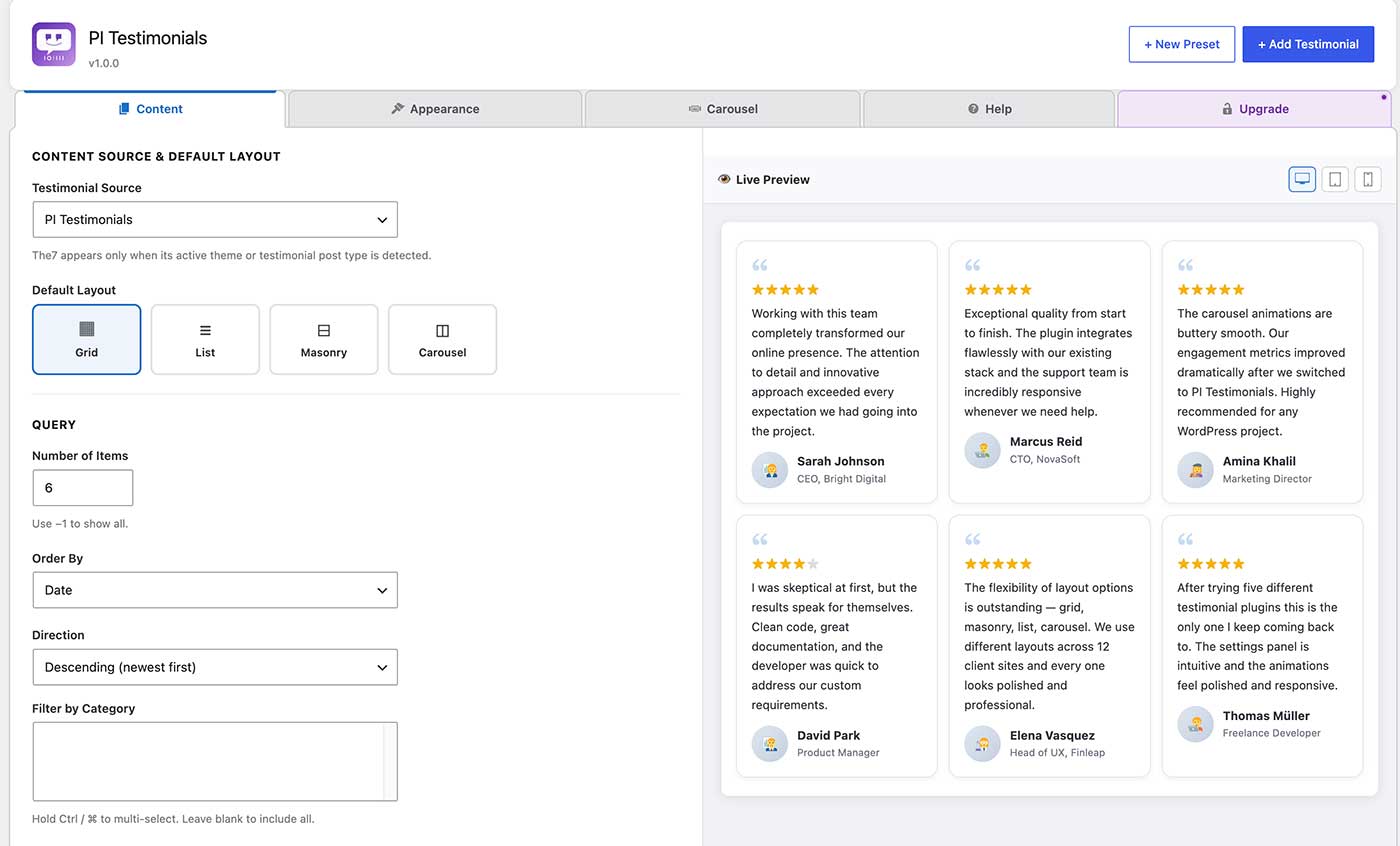
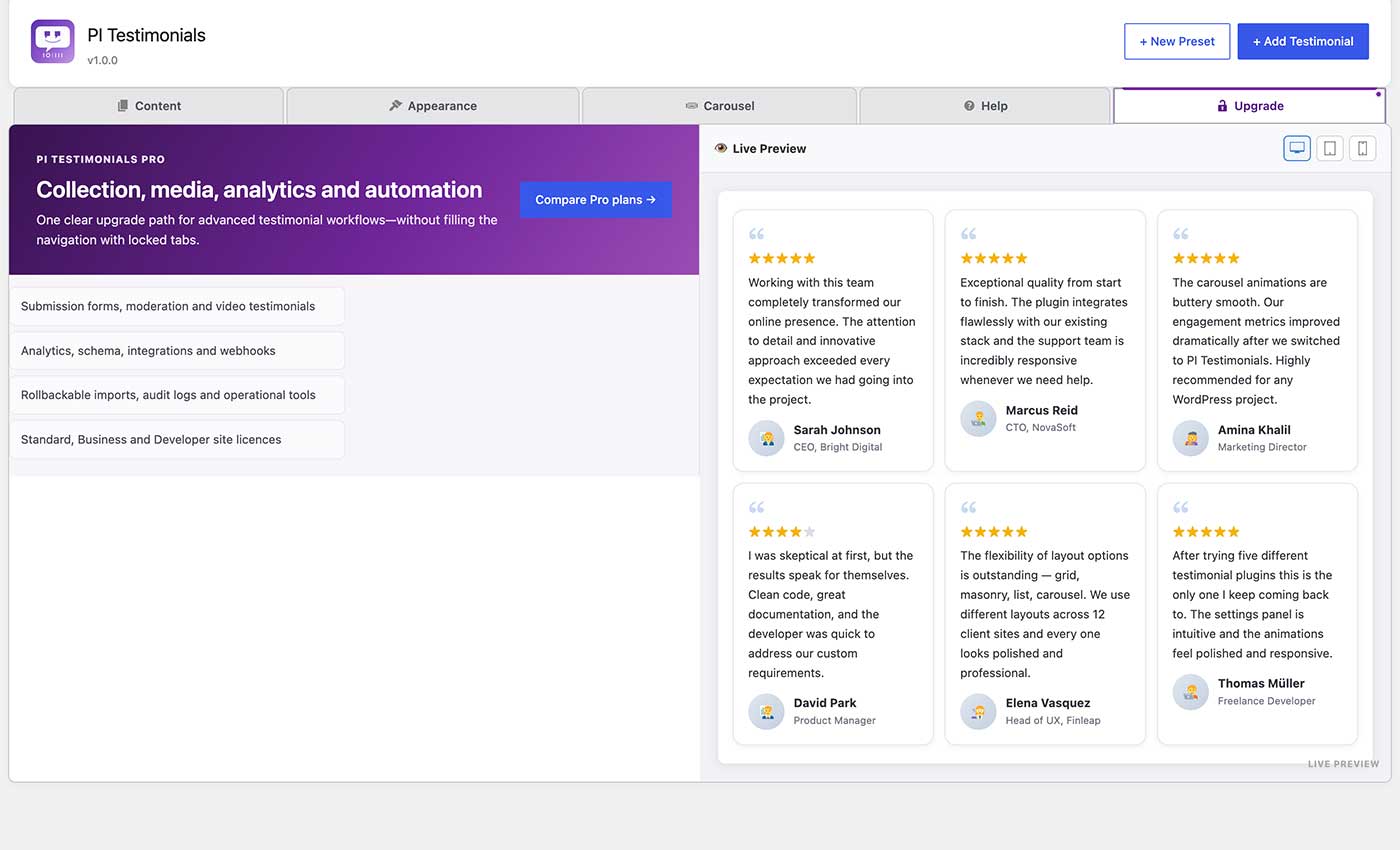
PI Testimonials provides a custom post type for managing testimonials and four display layouts via a single shortcode: grid, list, masonry, and carousel.
Create reusable Display Presets, insert testimonials visually with the dynamic Gutenberg block, back up or migrate all plugin data with JSON import/export, and keep long testimonials compact with accessible Read More controls.
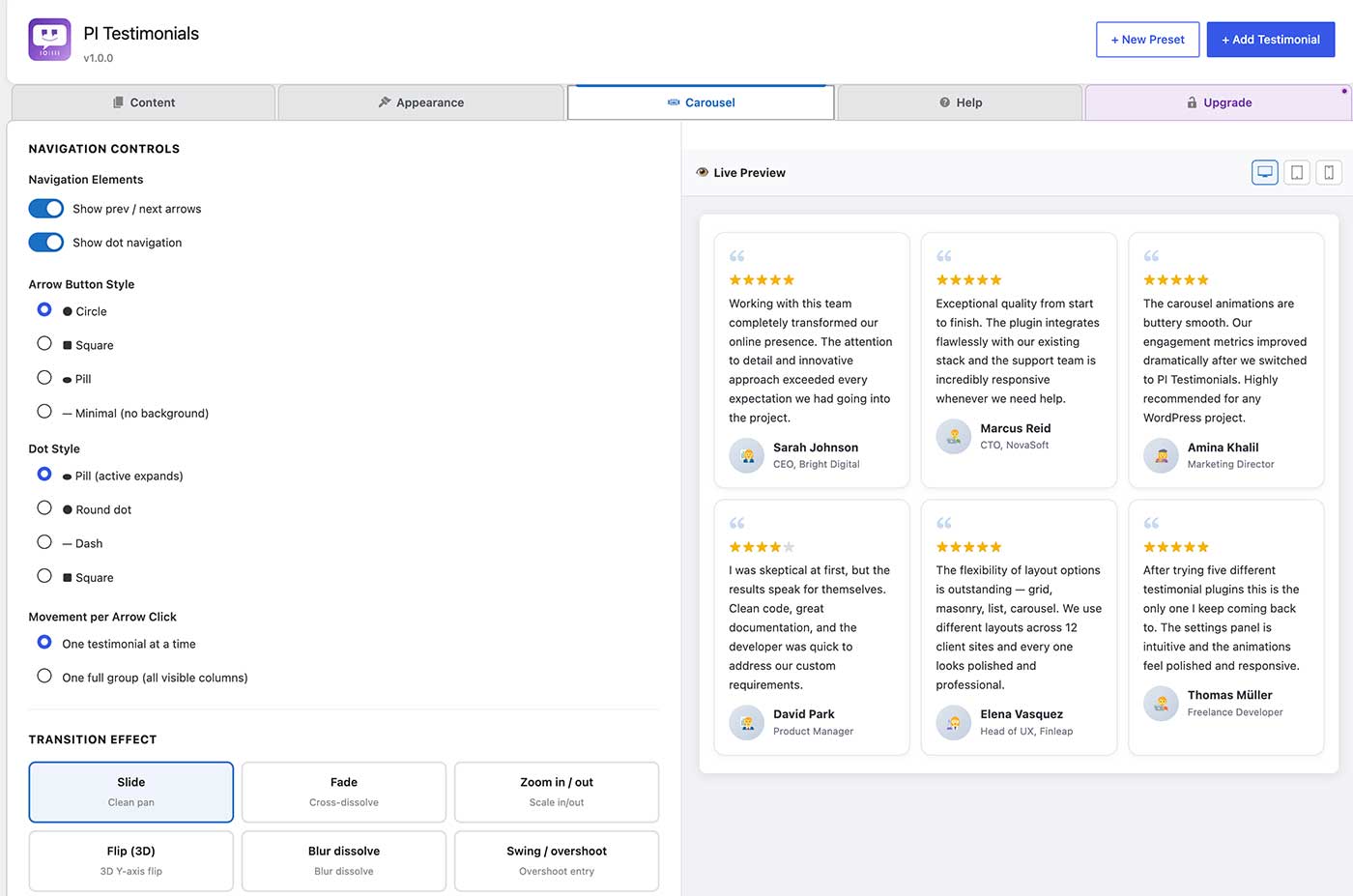
The carousel uses the browser’s native Web Animations API and CSS for professional, hardware-accelerated animations with nine distinct transition effects. No third-party animation library or CDN request is used.
Transition effects
* Slide — clean directional pan
* Fade — cross-dissolve with snap
* Zoom — scale in / scale out
* Flip — 3-D Y-axis card flip
* Blur dissolve — blur-out / blur-in
* Swing / overshoot — elastic overshoot entry
* Bounce — bouncy arrival
* Elastic snap — spring-physics snap
* Cube rotate — 3-D cube face rotation
Carousel navigation
* Prev / next arrows — move one testimonial at a time or one full group (page) at a time
* Dot navigation — jump to any group directly
* Swipe / drag support on touch and pointer devices
* Keyboard arrow-key navigation
* Hover pause, focus pause, autoplay
Content options
* Featured image (author photo) with fallback default avatar
* Star rating (1–5)
* Decorative opening-quote icon
* Position / role and company fields
* Optional category display
* Word-limit excerpt
Responsive
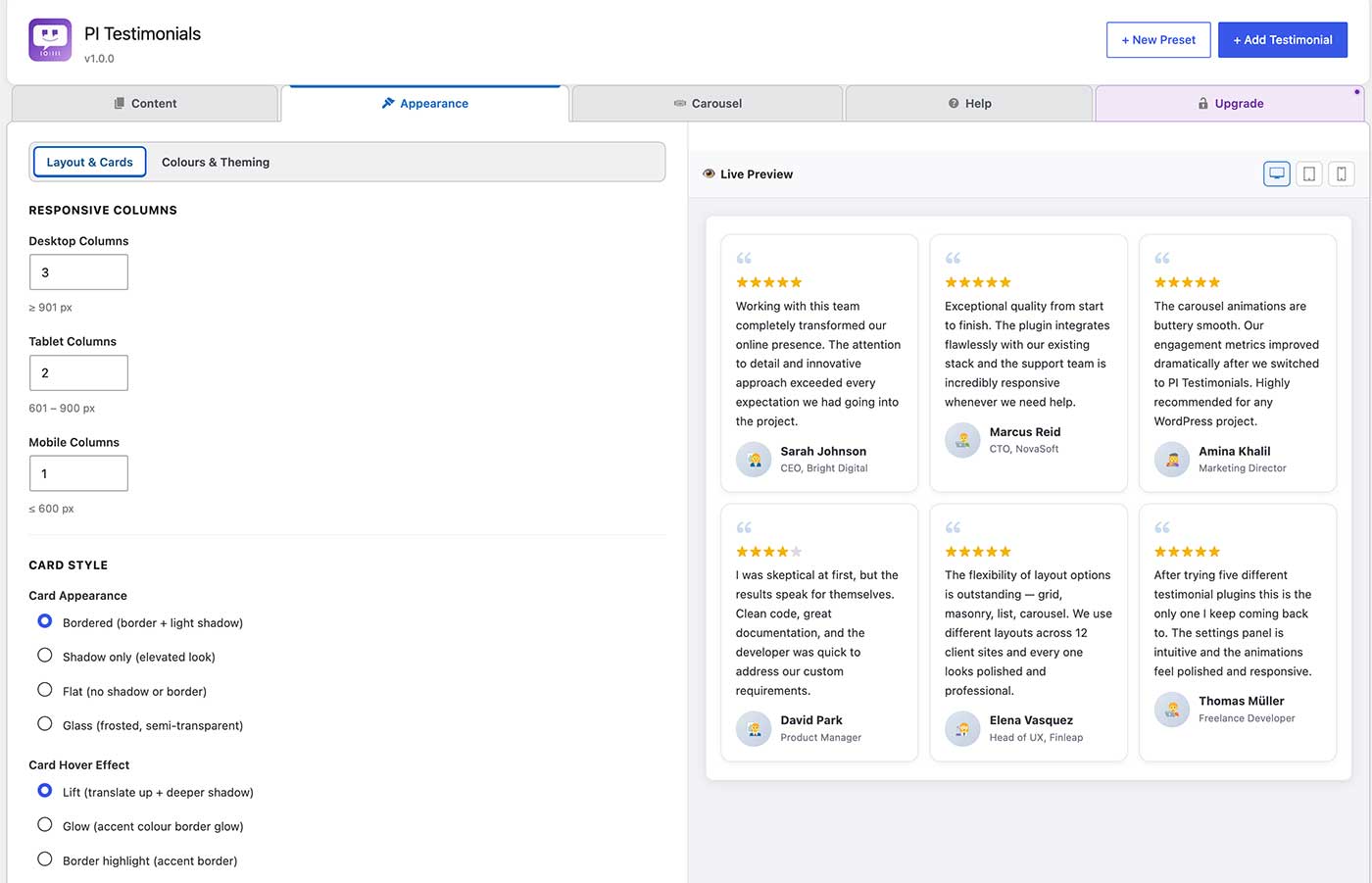
* Configurable column count for desktop, tablet (≤900 px), and mobile (≤600 px)
* Respects prefers-reduced-motion
The7 theme support
When the The7 theme is installed, you can switch the testimonial source to The7’s built-in dt_testimonials post type and display it through PI Testimonials’ layouts and carousel engine.
Shortcode reference
Basic:
[pi_testimonials]
Full example:
[pi_testimonials layout=»carousel» items=»9″ columns=»3″ columns_tablet=»2″ columns_mobile=»1″
transition_effect=»zoom» transition_speed=»500″ autoplay=»true» autoplay_speed=»5000″
carousel_move=»one» loop=»true» arrows=»true» dots=»true»]
All attributes
Attribute
Default
Values / notes
source
pi
pi, the7
layout
grid
grid, list, masonry, carousel
items
6
Any positive integer, or -1 for all
category
(all)
Comma-separated category slugs
columns
3
1–6
columns_tablet
2
1–4
columns_mobile
1
1–2
orderby
date
date, title, menu_order, rand, ID
order
DESC
DESC, ASC
show_image
1
0 / 1
show_default_avatar
1
0 / 1
show_rating
1
0 / 1
show_quote_icon
1
0 / 1
show_category
0
0 / 1
excerpt_words
0
0 = full content
card_padding
28
Card inner spacing in pixels (12–60)
card_radius
12
Card corner radius in pixels (0–40)
item_gap
24
Space between testimonial items in pixels (0–60)
text_align
left
left, center, right
content_font_size
16
Testimonial text size in pixels (12–28)
image_size
58
Author image size in pixels (32–120)
read_more
0
0 / 1
read_more_words
45
Collapsed word count (10–200)
read_more_label
Read more
Expand button label
featured
all
all, 1, 0
view
0
Display Preset post ID
autoplay
1
0 / 1
autoplay_speed
5000
Milliseconds between auto-advances (500–60000)
carousel_move
one
one (slide 1 at a time), page (slide full visible group)
transition_effect
slide
slide, fade, zoom, flip, blur, swing, bounce, elastic, cube
transition_speed
500
Animation duration in ms (80–3000)
loop
1
0 / 1
arrows
1
0 / 1
dots
1
0 / 1
class
(empty)
Extra CSS class on the wrapper
Capturas
Bloques
Este plugin proporciona 1 bloque.
- PI Testimonials
Instalación
- Upload the
pi-testimonialsfolder to/wp-content/plugins/. - Activate the plugin through Plugins Installed Plugins.
- Add testimonials under PI Testimonials Add New.
- Place
[pi_testimonials]in any post, page, or widget.
Reseñas
No hay reseñas para este plugin.
Colaboradores y desarrolladores
«PI Testimonials» es un software de código abierto. Las siguientes personas han colaborado con este plugin.
Colaboradores
Traduce «PI Testimonials» a tu idioma.
¿Interesado en el desarrollo?
Revisa el código , echa un vistazo al repositorio SVN o suscríbete al registro de desarrollo por RSS.
Registro de cambios
1.0.0
- Initial public release on WordPress.org.